Repair or Rebuild? Make the Right CRE Website Call
By Brandy Quick · 2026-10-23
A commercial real estate website redesign can help you stop paying for the same website problems over and over.
The useful question is whether those problems live on a few pages or run through the whole system.
I start there because a fresh homepage cannot fix a property editor nobody can use.
Your site might look tired and still do its job well.
It might also look polished while sending inquiries into a forgotten inbox.
Neither appearance tells you what to buy next.
Before you sign for a rebuild, collect a few real examples of what fails and what still works.
That evidence gives you something better than a debate about which shade of blue feels modern.
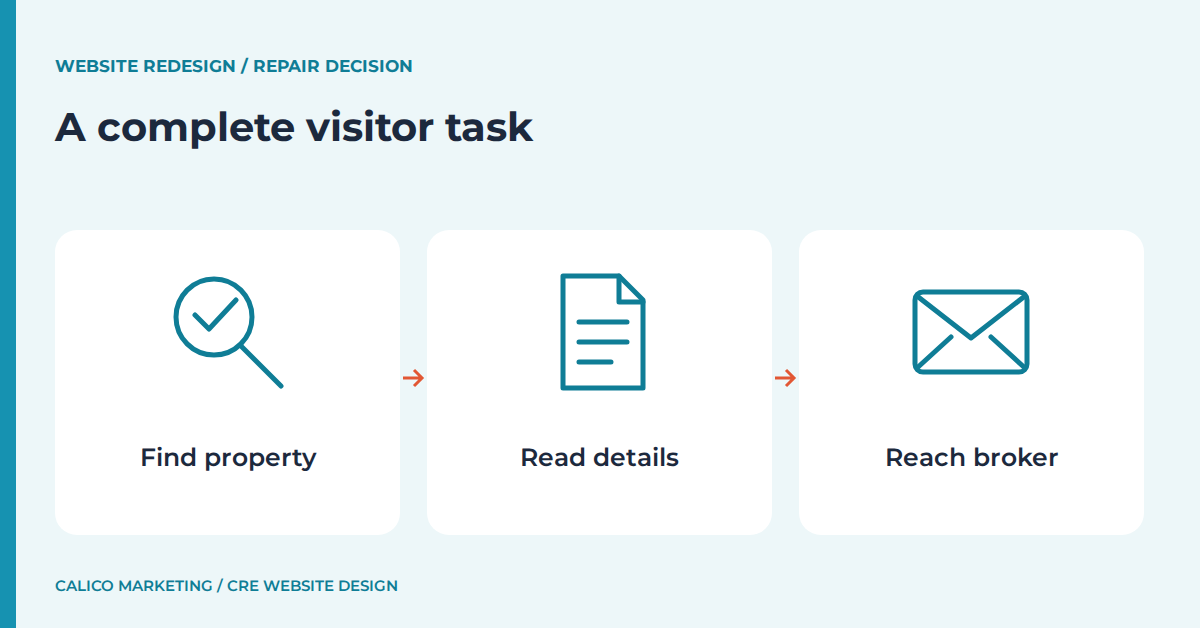
A commercial real estate website redesign starts with evidence.
Pick one task that matters to your brokerage and follow it from beginning to end.
For example, start on the homepage, find an available office, read its details, and send a question to its assigned broker.
Use a phone as well as a larger screen.
Write down where you pause, where you guess, and where the site gives the wrong answer.
I want the full path because a broken button and a broken process can look surprisingly similar from a screenshot.
A button with the wrong destination may need a small correction.
A listing system that cannot associate a broker with a property may need a different structure.
Those are different jobs with different dependencies.
Repeat the task for an owner seeking representation and an administrator updating availability.
Ask each person to explain what they expect before they click.
Keep a simple issue log with the affected page, expected behavior, actual behavior, and who can verify the fix.
Record working paths too, since those are assets worth protecting.
Do not treat every complaint as proof that the platform must go.
A confusing label, missing photo, or outdated paragraph often has a narrow solution.
The stronger case for structural work appears when several important tasks fail for the same underlying reason.
That pattern gives your designer a useful problem to investigate.
It also keeps a redesign discussion from turning into a shopping trip for attractive features.
Bring your issue log to a pricing discussion so I can help connect the proposed website work to the problems you actually need solved.
You can use Get a Price List for Website Design to plan the next step.
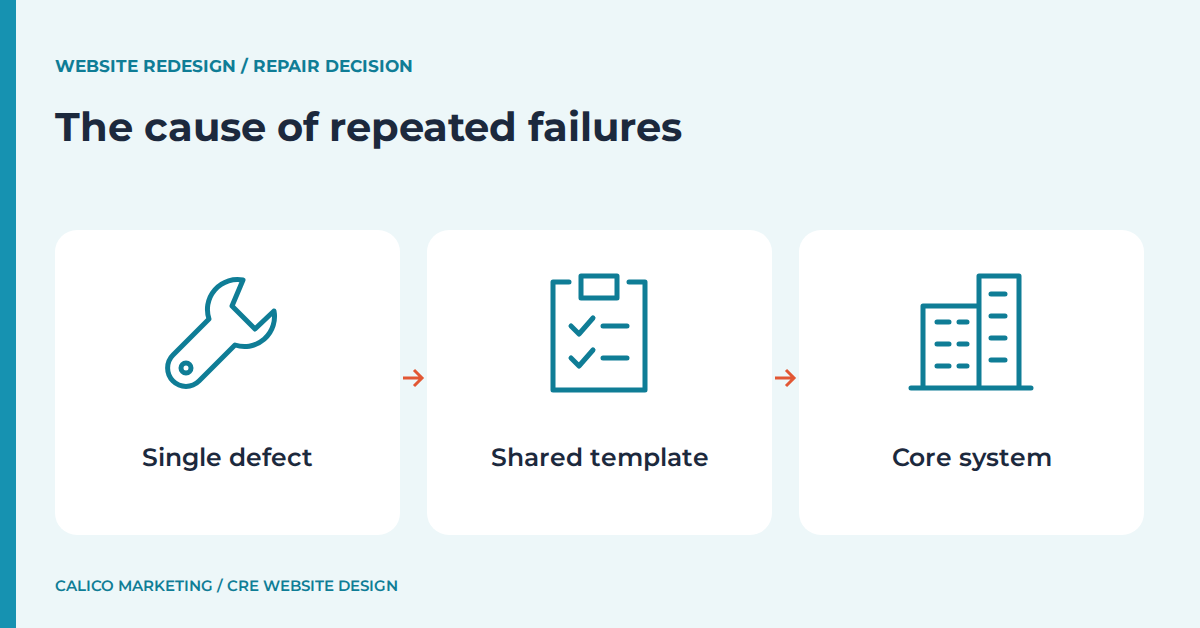
Repeated failures reveal whether the structure is wrong.
Group the issues by cause rather than counting every affected page as a separate failure.
If every property page cuts off the same contact panel, one template correction may resolve the pattern.
If each property has a different hand-built layout, the team may need a shared template before those pages stay consistent.
I separate content mistakes from layout mistakes and data mistakes.
A wrong leasing contact is a content issue when the editor supports the correct person and someone entered the wrong name.
It becomes a structural issue when the software offers only one company contact for every property.
That distinction matters more than the number of annoyed people in the room.
Ask whoever maintains the site to demonstrate the change in a safe copy.
Watch the actual editing steps rather than accepting a promise that everything is easy.
Can an ordinary listing update happen without rearranging the page?
Does changing one service name require edits in many unrelated places?
Are staff profiles connected to the right listings, or copied into separate blocks?
Write down the repeated manual work and the reason it exists.
Some repetition may be reasonable for a small, stable site.
Repetition becomes a redesign concern when normal business changes keep creating errors across the website.
A rebuild should remove that cause, rather than give the same workaround a prettier wrapper.
Keep the diagnosis specific enough that a proposed fix can be demonstrated.
You should be able to say which repeated failure the new structure prevents.
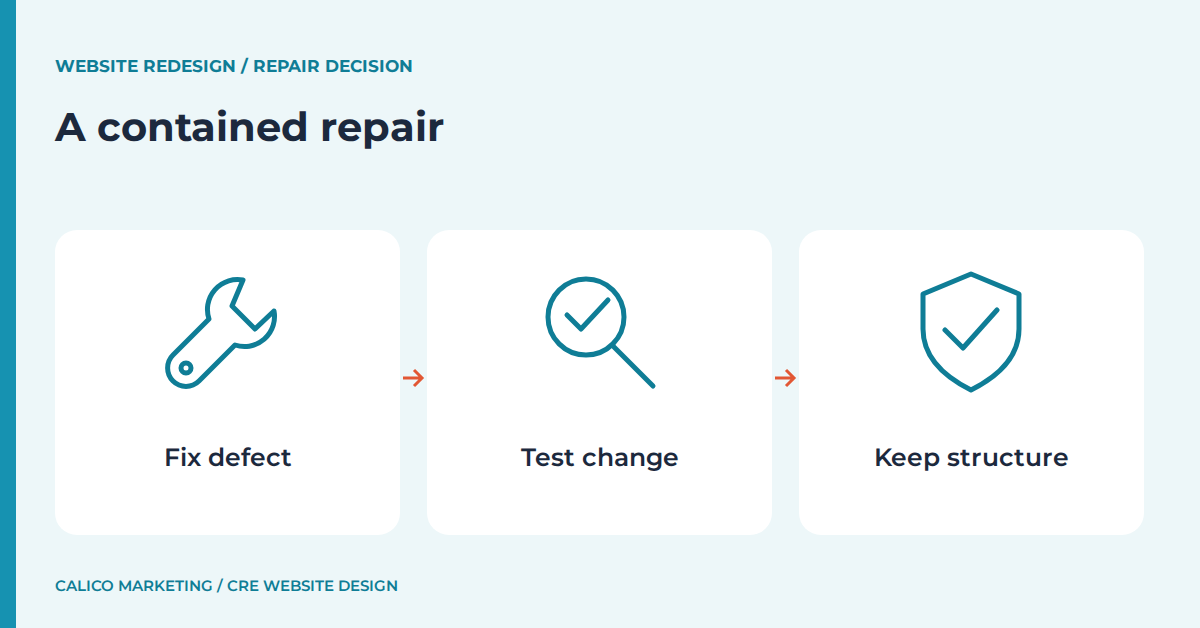
A contained repair should have a clear stopping point.
A repair is a sensible option when the existing structure supports the tasks your business needs.
That might mean correcting navigation, improving a property template, fixing a contact route, or replacing heavy images.
I would define the smallest useful package of changes and test it before widening the job.
For an unclear inquiry button, the acceptance check might be that the button identifies the next step and reaches the correct broker.
For a mobile layout defect, the check might be that the property details and contact information remain readable without sideways scrolling.
Write the check before the work begins.
Otherwise, a contained repair can drift into a redesign without anyone choosing that outcome.
Include a backup and an agreed way to undo the change if it causes another problem.
Record which pages use the affected template so the review covers more than the example screenshot.
A fix is not complete just because the page that first drew attention now looks right.
Check another listing with a longer title and a different number of photos.
Then ask the person who manages listings to make a normal update.
The repair should work for that person too.
Leave healthy pages alone unless there is a practical reason to touch them.
That choice preserves familiar paths and keeps review focused.
A contained job should end with an issue log showing what passed, what remains, and who owns the next action.
You can then decide whether the remaining issues justify another round of work.
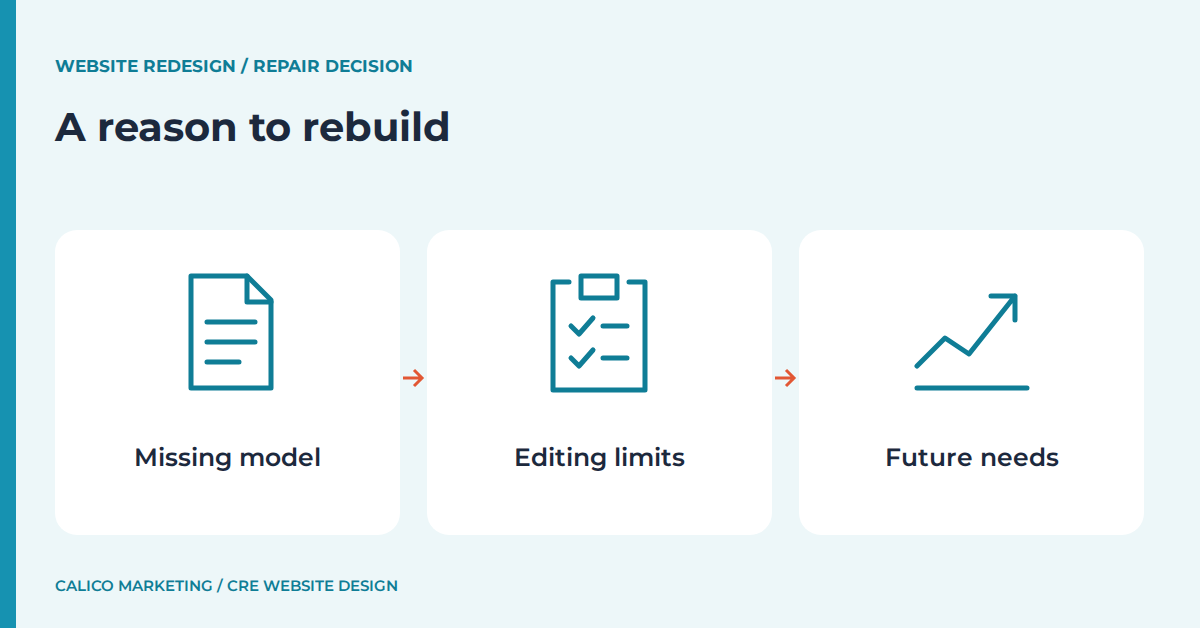
A rebuild needs a reason that survives a new color scheme.
A rebuild earns its place when the current foundation cannot support a required business task reliably.
Perhaps the site has no consistent property records, no workable editing access, or a navigation structure tied to services the brokerage no longer offers.
Those are reasons to examine the foundation.
They are not proof that every existing page must disappear.
I would ask the proposed designer to show how the replacement solves the documented limitation.
If the problem is inconsistent availability, ask where availability will be maintained and how that value reaches each display.
If the problem is staff turnover, ask how a departing broker is removed while active inquiries keep reaching someone responsible.
A platform name alone does not answer either question.
Separate required capability from optional polish in the proposal.
A new animation does not substitute for an editable property template.
Likewise, a custom feature is unnecessary when a simpler supported option meets the task.
Request a small demonstration using representative content before approving every layout.
Include awkward cases such as a long property name, missing photo, or listing with multiple contacts.
These cases expose limits that a perfect sample can hide.
The decision should describe what the brokerage will be able to maintain after launch.
It should also identify any existing capability that will change or disappear.
That makes the rebuild a business decision with visible tradeoffs.
Use my video destination for additional website ideas while keeping the repair-versus-rebuild decision tied to your own issue log.
You can use Helpful Video Walkthroughs and Tools to plan the next step.
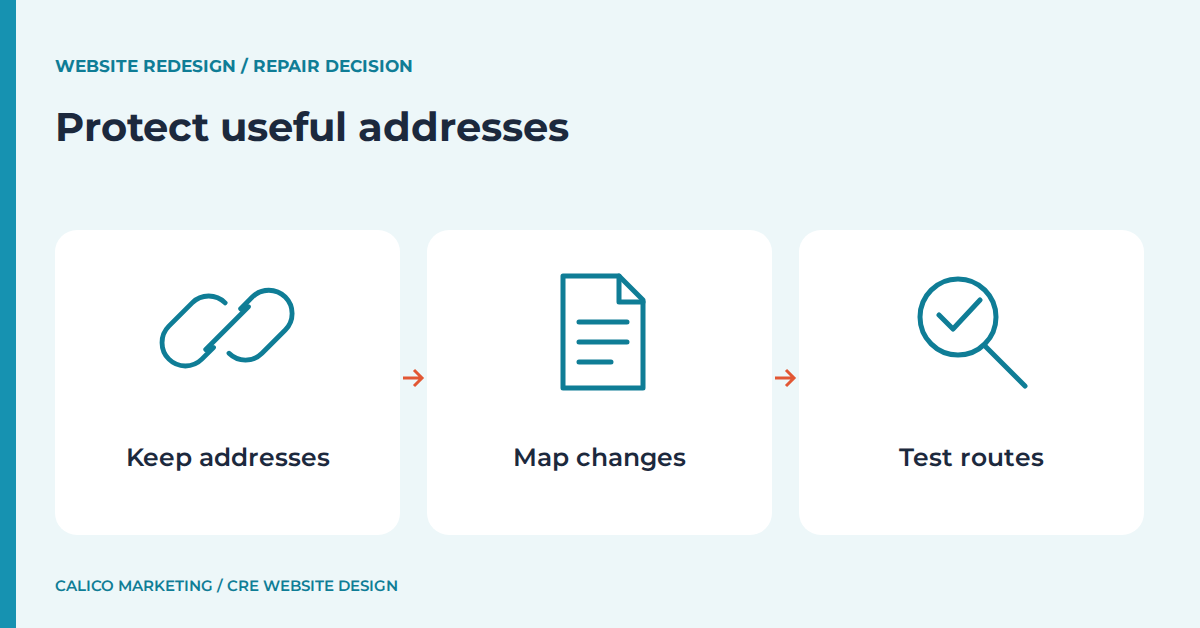
Existing addresses and useful content need a migration plan.
Before replacing anything, list the current page addresses and the purpose each one serves.
Mark pages that should stay, pages that need revision, and pages that no longer belong on the site.
Do not send every retired property address to the homepage by default.
A relevant replacement should answer the old visitor's need where one exists.
Google's site-move documentation explains mapping old URLs to new destinations and using permanent redirects when URLs change.
It also warns that search visibility can fluctuate during a move.
I would treat that as a reason to plan carefully, never as a reason to promise an instant ranking improvement.
The supporting guidance is available here: Read Google’s site-move guidance.
Keep useful addresses stable when the new structure allows it.
Ask who will build the redirect map, implement it, and test the old links after launch.
Include downloadable brochures and linked images in the inventory where those files still matter.
The old site may have useful material tucked behind an unhelpful menu.
Preserve the useful content while improving the route to it.
If you have access, review the site's search performance in Google Search Console to help identify pages that deserve attention.
Use that evidence alongside the business value of the pages, rather than treating traffic as the only test.
A specialist service page can matter even when its audience is small.
Save an approved copy of the content before migration starts.
That record helps the team spot accidental omissions without relying on memory.
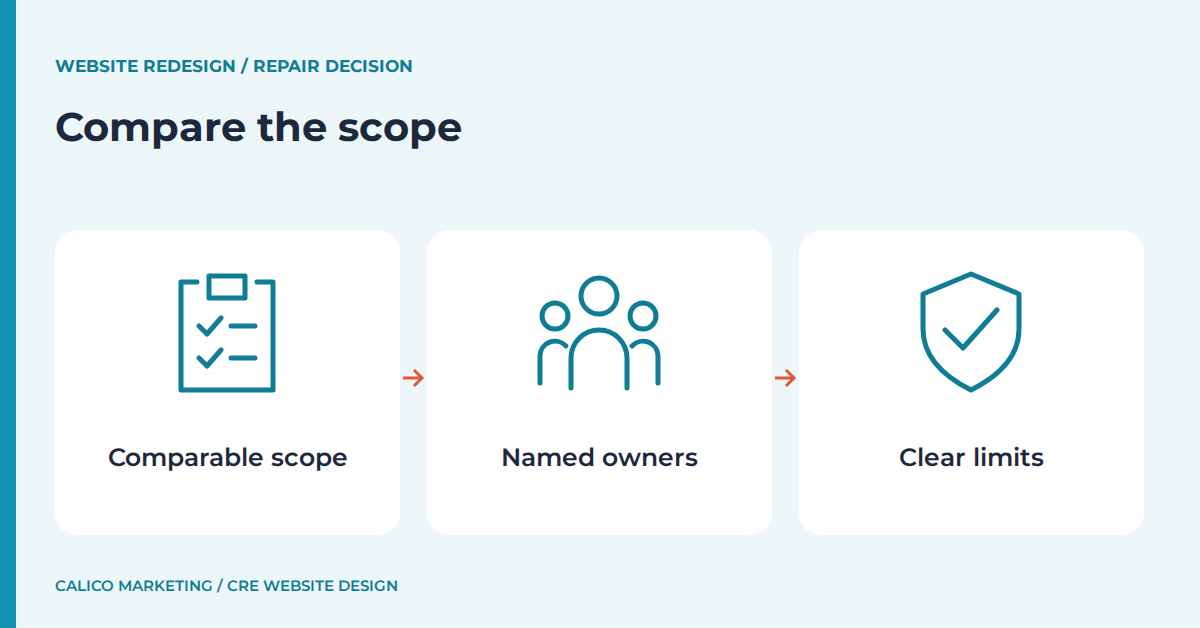
Repair and rebuild proposals should answer the same questions.
Ask for the repair option and rebuild option against the same issue log.
Each option should state which problems it solves and which ones it leaves open.
That makes the comparison useful even when the amounts and timelines differ.
I would also ask who supplies copy, prepares images, checks contact routing, and reviews migrated pages.
Those duties are work even when they do not appear as design line items.
A proposal that assumes your team will rewrite everything deserves a different review from one that includes that work.
Ask about recurring maintenance separately from the initial project.
Find out who applies updates and who responds when an ordinary listing edit stops working.
Do not assume hosting includes every future change.
Have the provider state the boundary in writing.
The same goes for third-party listing tools and any licenses they require.
A feature shown in a demonstration is not automatically included in your scope.
Record dependencies such as account access, content approval, and a confirmed listing source.
Then agree on a launch condition that the team can actually verify.
The final decision should explain why a smaller repair is sufficient or why the structural change is necessary.
That explanation is more useful than a general claim that the old site feels dated.
Compare the current price-list destination with your documented repair and rebuild scopes before deciding which conversation to have.
You can use Get a Price List for Website Design to plan the next step.
My free marketing resources can help you review the message and materials that the chosen website approach needs to support.
You can use Free Marketing Resources to plan the next step.
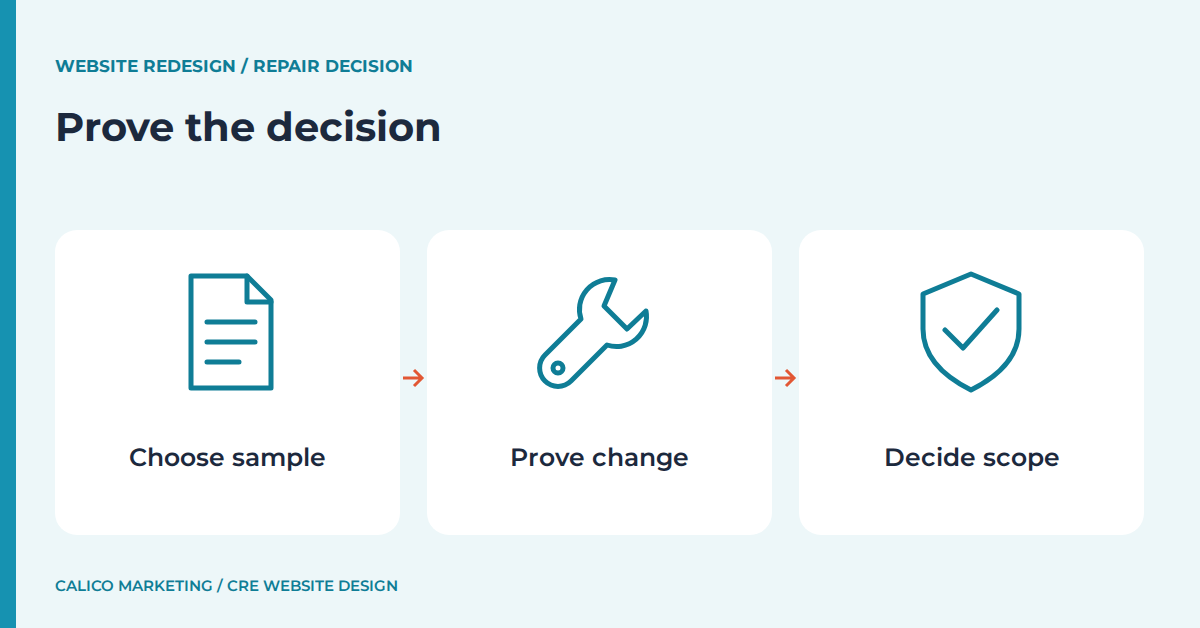
A small proof can settle an uncertain redesign decision.
When the evidence is mixed, choose one representative page and one complete visitor task for a proof.
Use the difficult case rather than the easiest listing in the portfolio.
A property with several suites, a long description, and more than one contact can expose real constraints.
Set a limit on the proof so it does not quietly become the full project.
Ask the designer to show the editing process and the visitor result together.
A strong page that nobody can maintain is only half a solution.
I would compare the result with the original issue log immediately after the demonstration.
Which problems disappeared, which remain, and which new steps were introduced?
If the repair meets the requirements, you have evidence for keeping the current foundation.
If the same limitation blocks the proof, you have a concrete reason to consider rebuilding.
Keep that conclusion separate from personal taste about the design.
You can improve visual quality under either approach.
Schedule a final review of navigation, key contact routes, mobile pages, and important old addresses before the chosen work goes live.
Assign a person to each check so unresolved issues have an owner.
Keep a copy of the reviewed pages and the agreed recovery plan.
A website decision becomes much less stressful when the team knows what success looks like.
The goal is a site that supports the brokerage's daily work without requiring a fresh rescue every time a property changes.
Common redesign questions have practical answers.
When does a commercial real estate website redesign make sense?
A redesign makes sense when the current structure cannot support necessary tasks reliably, and a contained repair cannot resolve the underlying limitation.
Can an older brokerage website be repaired?
An older site can be repaired when its editing system, templates, and page structure still support the brokerage, and the problems have clear, testable fixes.
Should every page address change during a rebuild?
Useful page addresses can often stay the same, and any necessary changes should have an individual migration decision and a relevant redirect where appropriate.
What should be tested before choosing a full rebuild?
Test a representative visitor task and a normal content update using difficult sample content, then compare the result with the documented failures.
Calico Marketing creates commercial real estate websites.
Hi, I’m Brandy, and I’m out to take the “broke” out of commercial real estate brokerage.
I’m an award-winning commercial real estate website designer and founder of Calico Marketing.
I’ve created more than 100 websites.
My expertise is creating commercial real estate websites for brokers, agents, and developers.
Choose the smallest approach that solves the underlying problem and protects the useful work already in place through your commercial real estate website redesign.